30 Claude Fable 5.1 Skills for Google and Meta Ads
30 free markdown skills that run your ad operations inside Claude — audits, waste cleanup, fatigue checks, reports — and what changes now that Fable 5.1 can run them on a schedule. Install in 10 minutes, copy the prompts, keep the cadence.
Built by our community of 2,000 marketers
Free skills and prompts for paid ads and SEO
Templates for Claude, ChatGPT and Perplexity.
Clients we work withClients we
work with







Official Claude connector
Connect Claude to your ad accounts
Connect 50+ marketing tools, plus free skills and a Claude autonomous marketing agent.
Connect in 1 click






Quick answer
A Claude ads skill is a markdown file that teaches Claude one repeatable job — find wasted spend, diagnose a CPA jump, flag dying creatives. The 30 here are free. They ran on every Claude model; Fable 5.1 is the first one reliable enough to run them unattended.
- 1Install — upload the files to a Claude Project, or drop them in Claude Code’s skills folder.
- 2Connect — give Claude live account data through the official Ryze connector (one click) or your own MCP server.
- 3Run — one-line prompts. Six skills cover the weekly rhythm; all six prompts are below.
- 4Schedule — on Fable 5.1, put the daily anomaly check and weekly fatigue scan on a timer.
- 5Then act — add write access one narrow action at a time, behind a spend cap and a change log.
Most ad-account work is five analyses repeated forever: what moved CPA, where money leaks, which creatives are dying, what to tell the client, what changed overnight. The skills encode each one as a fixed method, so Claude runs it the same way on run one and run fifty. Your data goes in — a pasted export or a live account — and a ranked, dollar-attached answer comes out.
Who this is for: anyone who owns an ad account’s numbers. No code needed for the claude.ai route; copy-paste shell commands for the Claude Code route.
What Fable 5.1 changes
Claude Fable 5.1 is Anthropic’s newest model and its most capable generally available one. The skills are model-agnostic markdown, so nothing in the repo changed. What changed is how the thirtieth run behaves, not the first. We re-ran the library on the same accounts and cadences we had used with Fable 5 and Opus. Three differences held up:
It finishes the method
A CPA diagnostic has eight checks in a fixed order. Earlier models skipped the boring ones on a long export. Fable 5.1 runs the list in order and says which check produced the finding.
It handles two accounts
Cross-platform skills pull from a Google Ads MCP and a Meta MCP in one run. Fable 5.1 keeps the calls scoped, never mixes the platforms' metrics, and asks for a missing slice instead of estimating it.
It holds up unattended
The same skill, scheduled weekly, comes back with the same shape of answer. That consistency is what makes a read-only check safe to leave running, and a write-capable loop safe to start.
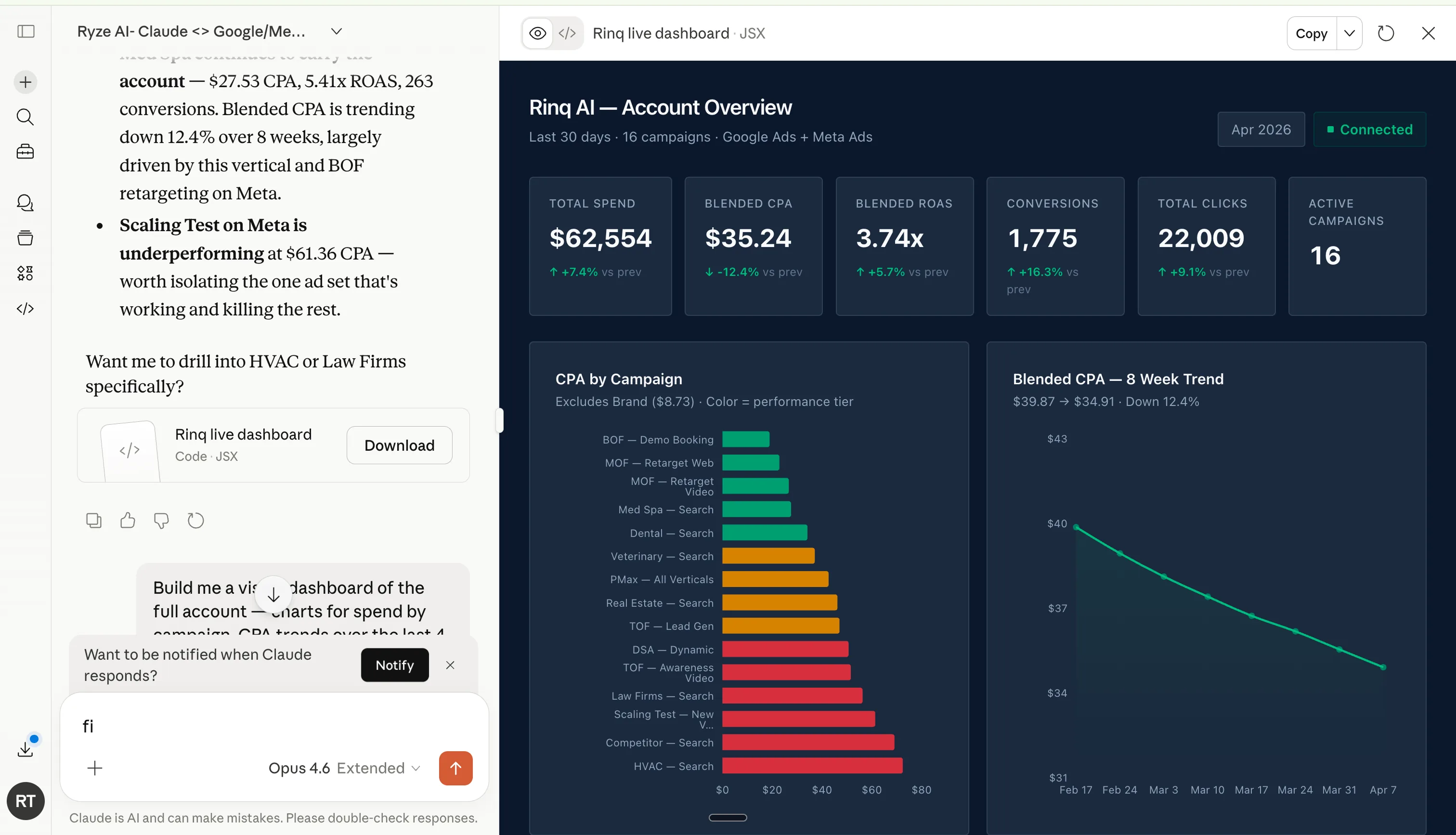
The practical shift: on a supervised model, the valuable skills were the deep one-offs you read yourself. On a model you can schedule, the valuable skills are the boring recurring ones — the daily anomaly check, the weekly fatigue scan, the monthly wasted-spend sweep. Fable 5.1 is the model in claude.ai, Claude Code and Claude Cowork (claude-fable-5-1 on the API). Cowork’s scheduled tasks put a skill on a timer; Claude Code chains several into one morning run. The four-stage operating model for the new model is in Claude Fable 5 for Google Ads and Meta Ads.
One caveat. A better model does not fix a vague skill. Fable 5.1 follows a precise method more faithfully than any Claude before it, which means it also follows an imprecise one more faithfully. Thresholds as numbers, inputs as named reports, output format spelled out.
Setup in three steps
Ten minutes the first time, then permanent. Every skill is one markdown file in the open repo at github.com/irinabuht12-oss/marketing-skills.
Install the skills
claude.ai: Projects → Create Project → Project Knowledge → upload the .md files. Add one more file with your account context (target CPA, conversion definition, brand exclusions) so skills run against your real targets. Claude Code: one folder per skill, saved as SKILL.md:
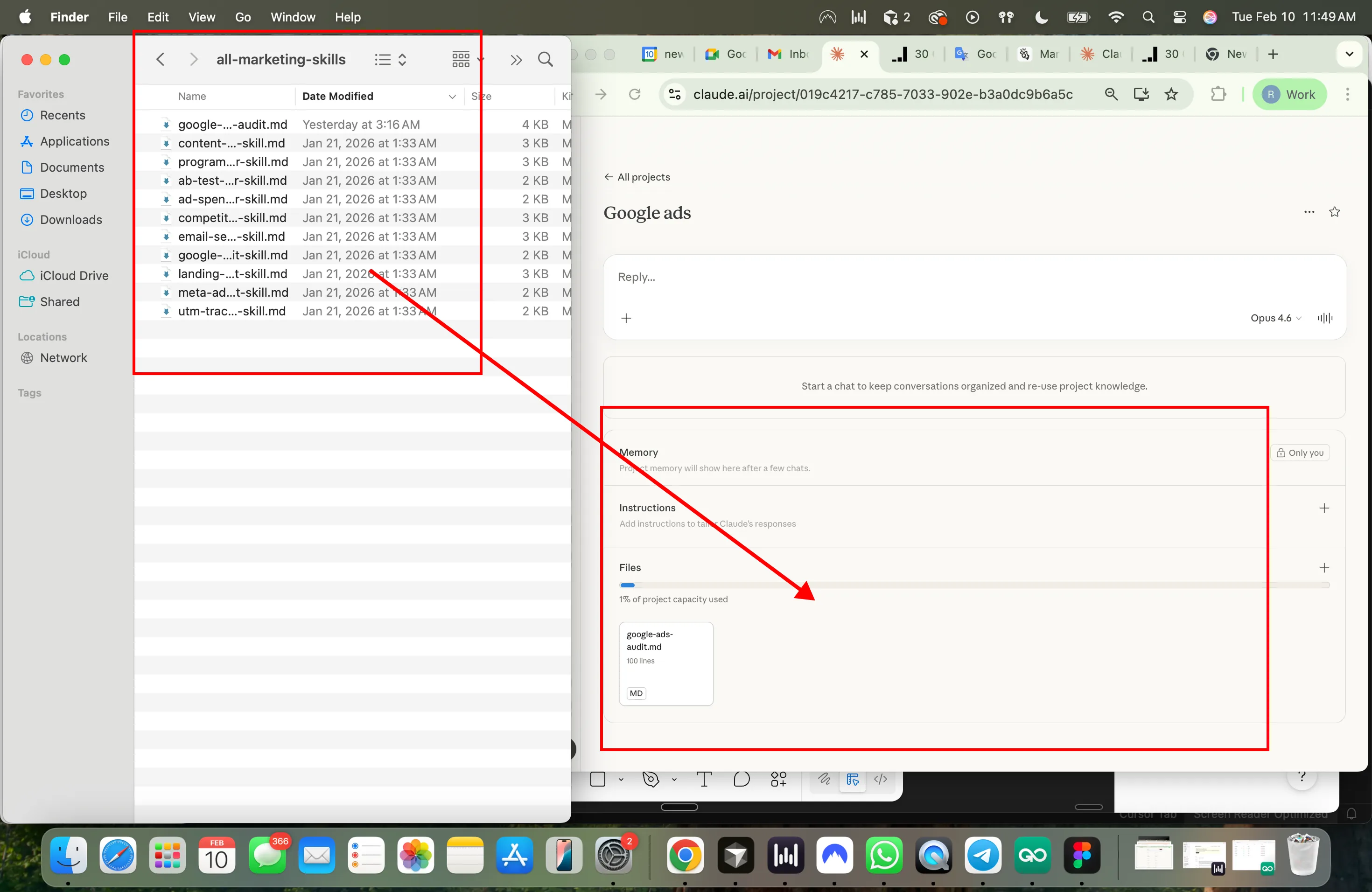
A skill file has a YAML header (name + a concrete “use when…” description, which is what routes it) and four sections: inputs, steps, thresholds, output format. Vague description, skill never fires.
Connect live account data
Skills work on pasted CSV exports. They get much better when Claude can query the account itself over MCP (Model Context Protocol), because the skill run is the prompt and Claude fetches only the slices it needs. Two routes:
Official connector · 1 minute
Add Ryze AI from the Claude directory, sign in to Google Ads and Meta once. Read and, when you switch it on, write access with an approval step in front of every change. From $40/month, free trial.
DIY MCP server · 30–60 minutes
Google Ads API developer token + OAuth client, a Meta app with ads_read, wrapped in an open-source Google Ads or Meta Ads MCP server. Read-only. Walkthrough: connect Claude to Google Ads step by step.
Never paste API keys or tokens into a chat. Credentials live in the connector, where Claude uses the connection without seeing the secret.
Run one, then schedule it
Name the skill in the prompt so routing is deterministic:
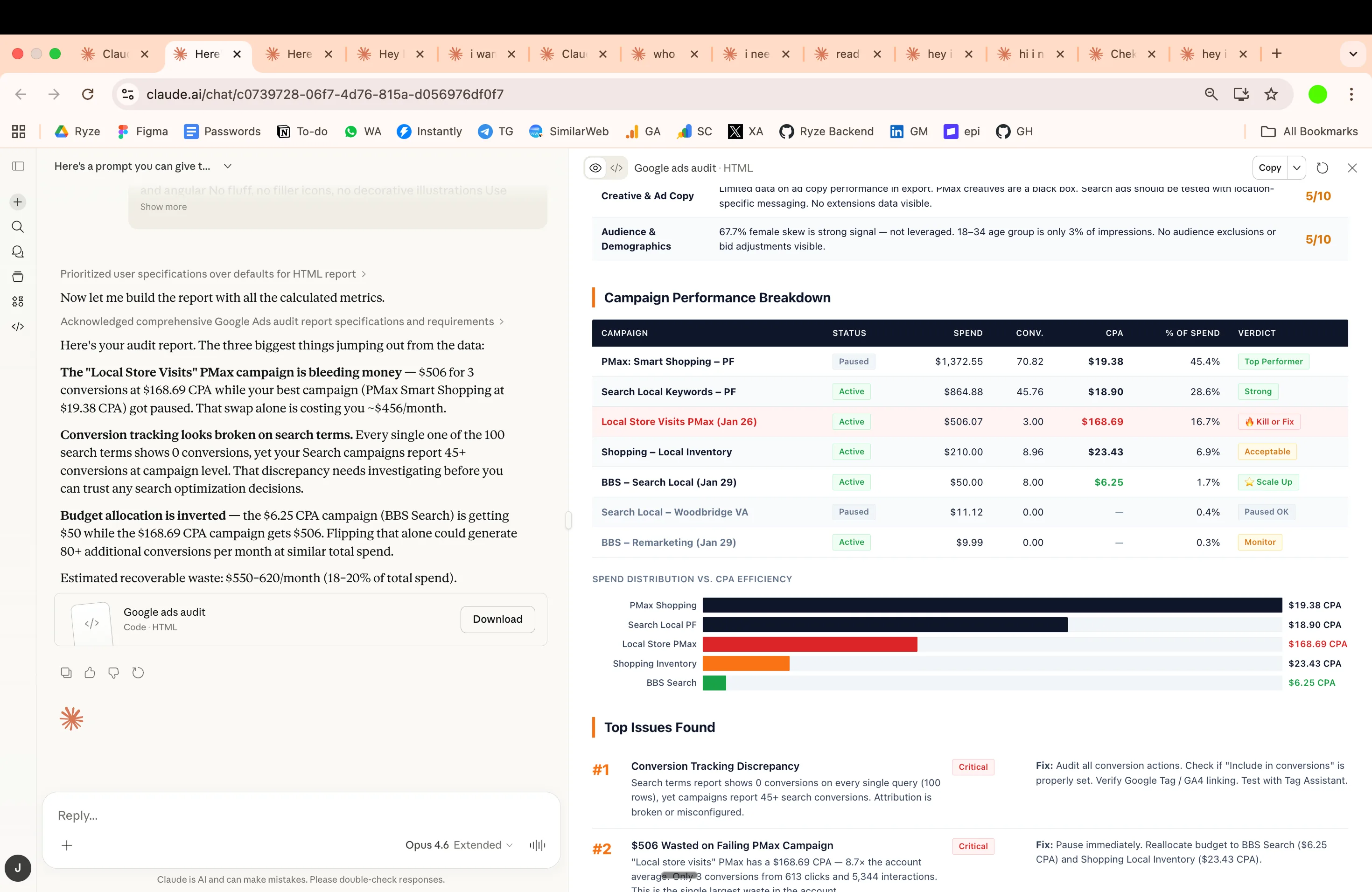
When the output earns a second run, put it on a timer: Claude Cowork → Scheduled → paste the prompt, pick the cadence. In Claude Code, one scheduled session can chain skills and write the results to files:
Get a free instant audit
Get a free, instant read on your paid ads or SEO — and fix it right away.
Paid ads audit
- Catch wasted spend & broad-match leaks
- Find account structure gaps
- Rank your quickest wins
- Spot PMax & brand-search overlap
- Check conversion-tracking health
- Benchmark CPC vs your industry
- Catch wasted spend & broad-match leaks
- Find account structure gaps
- Rank your quickest wins
- Spot PMax & brand-search overlap
- Check conversion-tracking health
- Benchmark CPC vs your industry
Free · no credit card · instant
SEO audit
- Find keyword & ranking gaps
- Catch technical SEO issues
- Rank your fastest wins
- Surface thin & duplicate pages
- Check indexing & crawl coverage
- Compare backlinks vs competitors
- Find keyword & ranking gaps
- Catch technical SEO issues
- Rank your fastest wins
- Surface thin & duplicate pages
- Check indexing & crawl coverage
- Compare backlinks vs competitors
Free · no credit card · instant
The 6 skills to run first
These six cover the weekly rhythm of an account: diagnose, de-waste, plan, refresh, report, watch. Swap the bracketed values and run. Deeper platform-specific cuts: Claude skills for Google Ads and Claude skills for Meta Ads.
01 · Google + Meta
Most run1. CPA Diagnostics
Current vs previous period. Isolates what moved CPA — CPC vs CVR, budget shifts, creative changes, search-term or audience mix — ranked by dollar impact.
02 · Google + Meta
2. Wasted Spend Finder
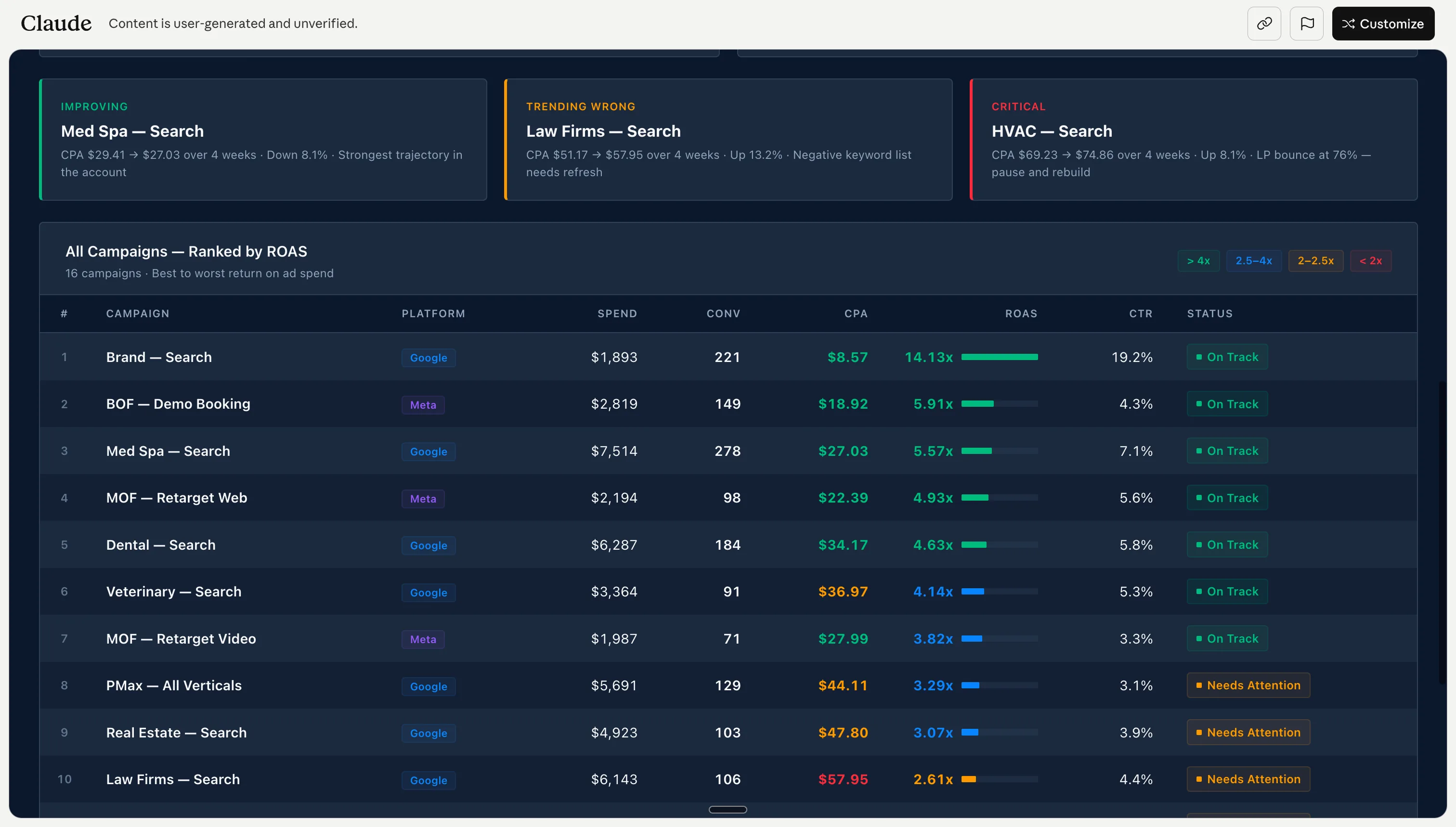
Search terms, placements, audiences and ads with spend and zero conversions, grouped by theme with dollar totals. Outputs upload-ready exclusion lists.
03 · Google + Meta
3. Budget Scenario Planner
Models CPA at different spend levels from your own data, with diminishing returns fitted rather than assumed. Walk into budget conversations with a curve.
04 · Meta
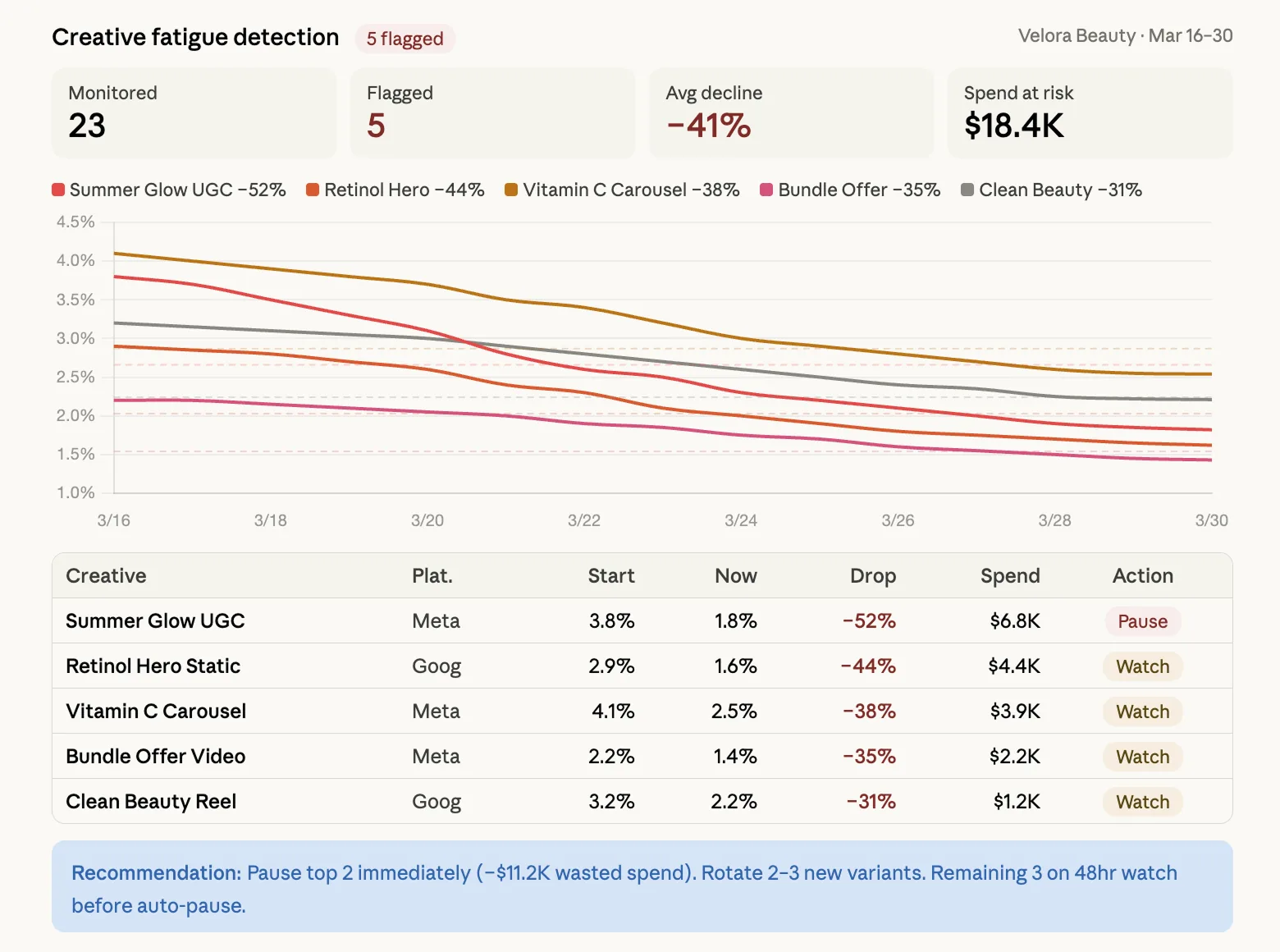
Most run4. Creative Fatigue Detection
CTR trajectory, frequency and engagement decay per active ad. Tags each one urgent / warning / healthy and says what the replacement should test.
05 · Google + Meta
5. Client Report Narratives
The month’s numbers in, a plain-English executive summary out. No platform jargon, no follow-up questions.
06 · Google + Meta
6. Anomaly Detection
Yesterday against the trailing 14-day average, per campaign. Every flag gets severity, likely cause and the recommended action. The first skill to schedule on Fable 5.1.
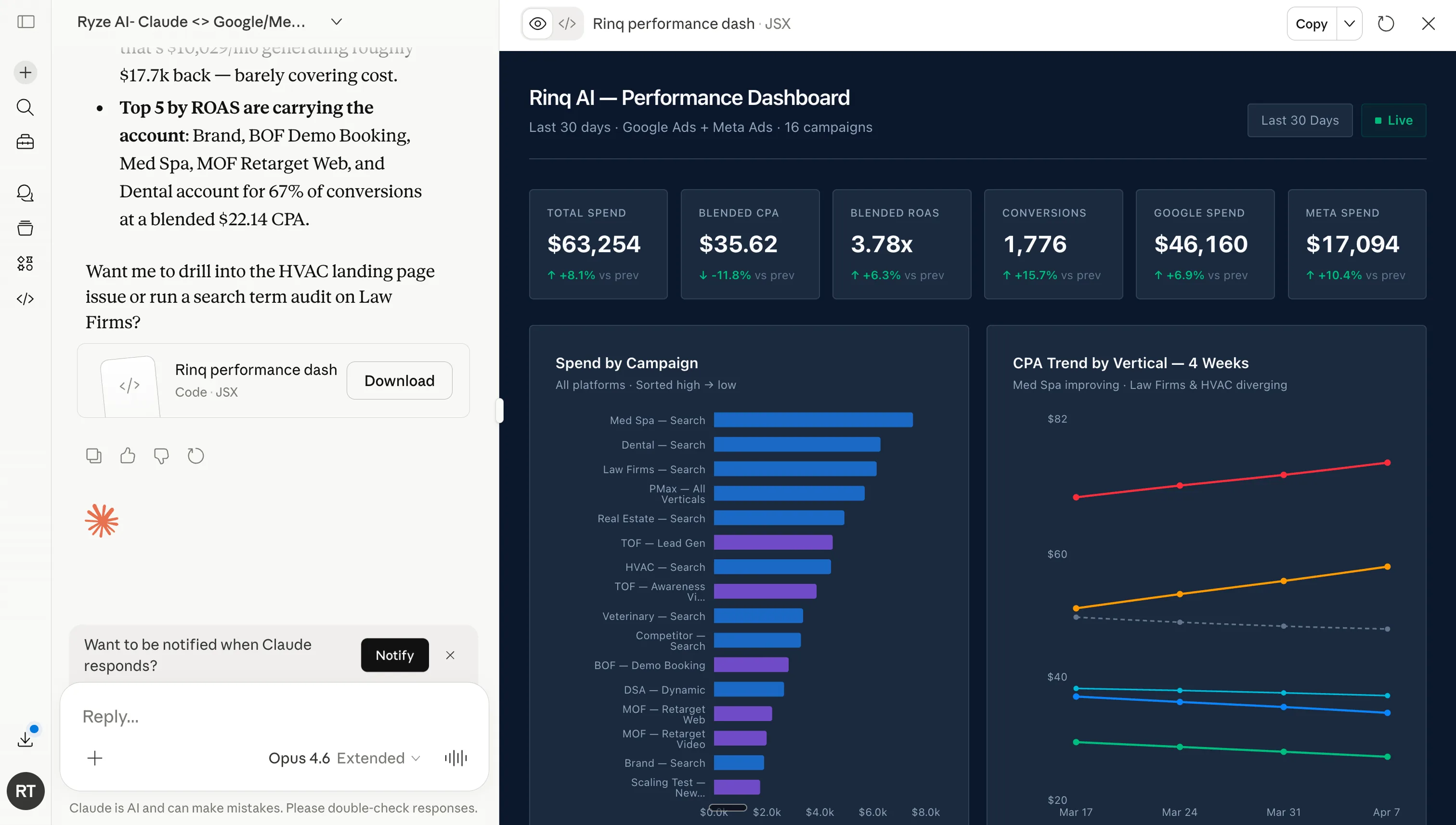
The cadence
Every morning: anomaly check (most days it says “nothing anomalous”, which is the point). Monday: creative fatigue on Meta. On trigger: the CPA diagnostic whenever CPA moves more than ~15%. First Monday of the month: wasted-spend finder, exclusions applied the same day. Reporting week: the narrative. About an hour a week, most of it reading. Ad creation is deliberately not here; it has its own writeup in automated ad creation.
Letting Fable 5.1 act: guardrails first
Every skill is written read-only, and that stays the default: the worst case is a recommendation you decline. Fable 5.1 is the first model where the next step — letting the wasted-spend finder apply the negatives, letting the fatigue scan pause the urgent ads — is reasonable. Reasonable is not unconditional. Set three things before the first write:
1. A spend cap
A hard daily or per-change limit on how much budget one run can move. State it in the skill and in the connector's settings, so it holds even if the prompt drifts.
2. An approved-actions list
What Claude may do without asking (add negatives, pause an ad tagged urgent) versus what always needs a human (new campaigns, budget increases, audience changes).
3. A change log
Every applied change written to a file the skill appends to: what, when, why, and the metric that triggered it. This is how you audit week three.
Sequencing that has worked: two weeks read-only on a schedule, comparing Fable 5.1’s recommendations to your own calls. Then write access for the single narrowest action — adding negative keywords, because it is cheap to reverse. Widen one action at a time. The wasted-spend skill with guardrails written in:
On the official connector the approval step and change log are built in, and the permission scope is documented up front. If you would rather the whole loop ran itself, Ryze AI executes this skill set as an autonomous operation on Google and Meta 24/7.
All 30 skills
21 run on both platforms, 5 need Google-only data (Quality Score, raw queries, asset performance), 4 model Meta-only dynamics (frequency, overlap, retargeting windows). Pick by account stage: takeover → Account Structure Review, naming conventions, benchmarking. Steady state → the six above. Scaling → scenarios, pacing, ROAS forecasting. In trouble → diagnostics, anomaly, attribution, in that order. A ranked shortlist is in the Claude ads skills guide.
On Meta, the fatigue and overlap skills compound: fatigue says an ad is dying, overlap says why it died faster than it should — two ad sets showing the same creative to the same users. Run them on the same export, in that order. The model-neutral version of this library is at 30 Claude skills for Google and Meta Ads.
Skills vs prompts vs MCP connectors
A prompt is instructions. A skill is instructions with a save button. An MCP connector is data access. Skills and connectors are not alternatives; the working setup is both.
| Plain prompt | Skill | MCP connector | |
|---|---|---|---|
| What it is | One-off typed instructions | The same instructions, saved as a versioned markdown file | A live connection to the ad account |
| Gives Claude | The method, once | The method, on demand | The data |
| Setup | None | Minutes | 1 min official · 30–60 min DIY |
| Consistency | Drifts with phrasing | Identical every run | n/a — plumbing |
| Can change the account | No | No — text output | Yes, if write-capable |
| Best for | One-time questions | Any job you run more than twice | Killing the export step; executing changes |
Decision rule: once, alone → a prompt. Weekly, alone → a skill. Weekly, with a team → a skill in a shared repo plus a connector. Comparing connector options first? See the best Claude connectors for Google Ads and how to connect Claude to Google & Meta Ads via MCP.
Troubleshooting
Six failure modes cover nearly every “it didn’t work”. When something misfires, ask Claude which skill it used and what data it received; the answer usually names the problem.
Claude ignores the skill
Routing. Name the skill explicitly (“run the wasted spend finder”) and tighten the description's “use when…” line.
The output is generic
No data. Attach the export or connect MCP, and state date range, target CPA and conversion definition.
The export is too big
Context. Filter before pasting: 30–90 days, rows above a spend floor, only the columns the skill lists. Or use MCP.
Numbers don't match the UI
Definitions. State attribution window, conversion action and timezone in the prompt, and compare identical date ranges.
The connection fails
Plumbing. Re-authenticate, confirm the account is in scope. On DIY Google, developer-token approval is its own wait.
A metric looks invented
Trust. Add “use only the supplied data; if something is missing, say so instead of estimating” and re-run.
Frequently asked questions
What are Claude Fable 5.1 ads skills?
Markdown instruction files that teach Claude Fable 5.1 a repeatable advertising job — diagnosing a CPA spike, finding wasted spend, detecting creative fatigue. You add them to a Claude Project or Claude Code, then trigger the job with a one-line prompt. The skill supplies the method; Fable 5.1 supplies the reasoning; your Google Ads or Meta Ads data supplies the inputs.
What does Claude Fable 5.1 change for ads skills?
The skills are the same markdown files; the model running them is not. Fable 5.1 is Anthropic's most capable generally available Claude, and for ad operations the difference shows in three places: it follows a long multi-step skill without dropping steps, it makes MCP tool calls more reliably across two ad accounts, and it holds up on a schedule — the same skill, run unattended every Monday, comes back with the same shape of answer.
Do I need Fable 5.1 to run these skills, or does an older Claude work?
Any current Claude runs them for one-off, supervised analysis. Fable 5.1 is the one to pick when the skill runs unattended — a scheduled anomaly check, a chained morning run in Claude Code, or a write-capable loop that pauses ads within guardrails. Those jobs punish a model that drifts off the method halfway through, and that is exactly where Fable 5.1 pulled ahead of Fable 5 and Opus in our runs.
Is Claude Fable 5.1 the same as Claude Mythos 5.1?
They share the same underlying model. Fable 5.1 is the generally available version with additional safety measures around dual-use capabilities; Mythos 5.1 is available without those measures only to approved organizations. For ad-account work you want Fable 5.1 — it is the one in claude.ai, Claude Code, and the API, and nothing in these skills needs anything Mythos adds.
Are these Claude skills free?
Yes. All 30 are open-source markdown files at github.com/irinabuht12-oss/marketing-skills — clone the repo or download individual files. The only optional paid piece is the managed data connection: Ryze's official Claude connector starts at $40/month with a free trial, versus building your own MCP server on the free platform APIs.
Do I need MCP to use these skills?
No. Every skill works with pasted CSV exports from Google Ads or Meta Ads Manager. MCP removes the export step by letting Claude query the account live — which matters once you run skills weekly or on a schedule — but the analysis itself is identical either way.
Can Claude make changes to my ad account, or only analyze it?
With exports or a read-only MCP, Claude only analyzes: it outputs recommendations, exclusion lists, and drafts you apply yourself. With a write-capable connection such as Ryze, it can also execute — pause ads, adjust budgets, add negatives — from the same conversation. Start read-only; add write access once you trust the outputs.
What is the difference between a Claude skill and a regular prompt?
Packaging. A prompt is one-off instructions you type into a conversation; a skill is those instructions saved as a versioned markdown file with a name and description, so Claude loads the method on demand without re-pasting. Same words, different container — the skill wins for any job you run more than twice.
Do these skills work in Claude Code?
Yes. Put each skill in its own folder under ~/.claude/skills/ (personal) or your project's .claude/skills/ (team), saved as SKILL.md, and Claude Code picks it up — invoke it by name or let it trigger when a request matches the description. Claude Code attaches the same MCP servers, so the terminal workflow gets live account data too.
Is there a Claude skill for Facebook Ads?
Yes — the Meta-only group covers Facebook and Instagram: Audience Overlap Analysis, Competitor Creative Analysis, Frequency Cap Recommendations, and Retargeting Window Analysis, plus Creative Fatigue Detection. The 21 cross-platform skills (CPA Diagnostics, Wasted Spend Finder, and the rest) run on Meta data exactly as they run on Google Ads data.
How do I install a Claude skill?
Three ways. On claude.ai: create a Project and upload the .md files as Project Knowledge. In Claude Code: one folder per skill in ~/.claude/skills/, each containing a SKILL.md. Or skip installing and paste the skill's text at the top of a conversation. Setup is minutes; after that the skill is available in every conversation.
How is a skill different from an MCP connector?
A skill is knowledge; an MCP connector is access. The skill tells Claude how to run a wasted-spend audit; the MCP connector is the live pipe that lets Claude pull the search terms itself instead of waiting for your CSV. They're complementary — the working setup is both.
Are these skills safe to run on a live ad account?
Yes, with the right access level. Read-only connections mean Claude can look but not touch, so the worst case is a recommendation you decline. Treat write access like giving a new hire admin: a spend cap, an approved-actions list, and a change log before the first write. And keep credentials in the connector — never pasted into a chat.
What data do Claude ads skills need?
Each skill states its inputs at the top of the file — typically spend, conversion, and dimension columns for a 30–90 day window. From Google Ads: campaign, search-term, and asset reports. From Meta: Ads Manager exports with age, placement, and frequency breakdowns on. Filter exports to rows above a minimum spend before pasting; with MCP connected, Claude fetches only the slices the skill asks for.
Can I write my own Claude ads skill?
Yes — it's a markdown file, not code. Copy the skill closest to what you need and swap in your own inputs, steps, thresholds, and output format, plus a concrete “use when…” description so it routes correctly. Keep it to one job per skill. Most teams end up with a few house skills — their naming conventions, margin math, report voice — alongside the public thirty.